The Challenge of Legacy Code
Every developer eventually faces it: a sprawling, undocumented legacy codebase. It might be years old, built by a team long gone, or simply grown organically into a complex beast. Understanding such a system is a monumental task, often leading to:
Slow onboarding for new team members.
Fear of making changes due to unknown dependencies.
Difficulty in identifying architectural patterns or anti-patterns.
Stalled refactoring efforts.
Increased technical debt.
The traditional approach involves endless hours of code tracing, debugging, and asking senior developers for context. But what if there was a faster, more efficient way to grasp the intricacies of a legacy system?
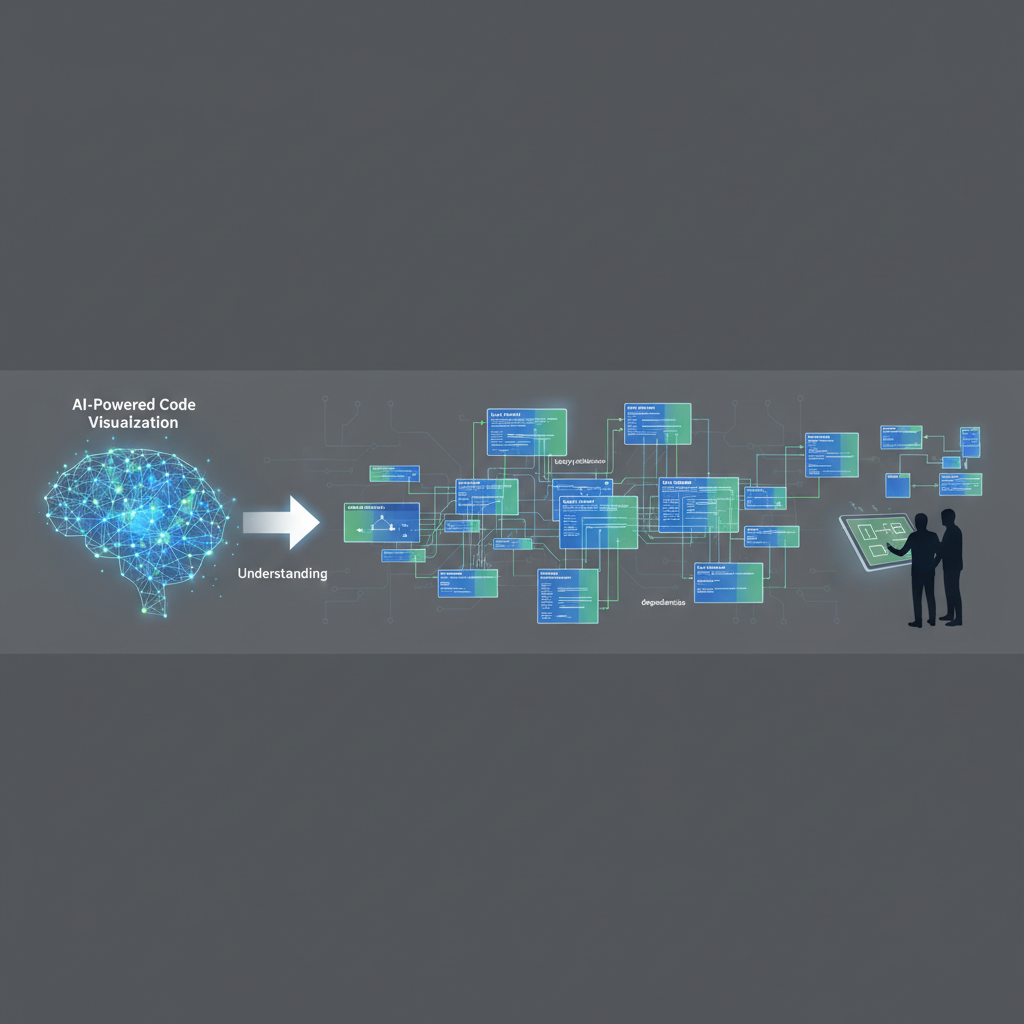
Introducing AI-Powered Code Visualization
This is where tools like ArchToCode revolutionize the process. ArchToCode is an AI-powered web application designed to help developers visualize and understand code. By analyzing source code from GitHub repositories or local folders, it automatically generates interactive Mermaid diagrams that illustrate code structure, relationships, and flows.
Imagine transforming thousands of lines of unfamiliar code into clear, concise diagrams that highlight the most critical components and their interactions. This isn't just about pretty pictures; it's about gaining actionable insights rapidly.
How ArchToCode Accelerates Understanding
ArchToCode offers several key features that make it the fastest way to understand a legacy codebase:
Automated Diagram Generation: Instead of manually drawing diagrams, ArchToCode uses AI to generate them from your code. With over 30 built-in prompt templates, you can instantly create flowcharts, sequence diagrams, class diagrams, and more, tailored to specific aspects of your codebase. This eliminates the tedious and error-prone process of manual diagramming.
Support for 16 Diagram Types: Whether you need to see process flows (Flowchart), interaction sequences (Sequence), class structures (Class), or entity relationships (ER Diagram), ArchToCode has a diagram type to suit your needs. This versatility allows you to explore different facets of the system's architecture.
Repository Integrations: Easily connect your GitHub repositories or local folders. ArchToCode analyzes your actual codebase, ensuring the diagrams are always up-to-date and accurate representations of the system. This direct integration means no manual syncing or outdated documentation.
Interactive Diagrams: The generated diagrams are not static images. You can click nodes to select them, view details in the right panel, and even highlight connections to trace relationships. This interactivity allows for dynamic exploration, letting you follow the flow of logic or data through the system.
Drill-Down and Regeneration: When you need to dive deeper, ArchToCode's "Drill Down" feature allows you to generate detailed sub-diagrams for specific nodes. You can also "Regenerate from This Node" to get a fresh perspective with a selected element as the root, helping you explore different entry points in the architecture.
Source Code Explorer: This powerful feature links directly from your diagrams to the relevant source code. When you select a node, the explorer analyzes the entire repository to find related files, categorizing them by direct imports, files that import the primary file, references, and mentions. This intelligent analysis helps you quickly navigate to the exact code you need to understand.
AI-Powered Diagram Explanation: Beyond just visualization, ArchToCode can provide a comprehensive AI-generated explanation of your diagrams. This 50+ sentence analysis covers the overall purpose, key components, data flow, control flow, design patterns, and more, giving you a deep technical understanding without extensive manual research.
Practical Use Cases for Legacy Code
1. Rapid Onboarding for New Developers
New hires can spend weeks or even months getting up to speed on a complex legacy system. With ArchToCode, they can:
Generate high-level architecture diagrams to grasp the system's overall structure.
Use sequence diagrams to understand critical user flows or API interactions.
Drill down into specific modules or functions to see their internal workings and dependencies.
Explore the source code directly from the diagram nodes, connecting visual representation with actual implementation.
This visual and interactive learning significantly reduces the time to productivity.
2. Identifying Dependencies and Impact Analysis
Before making a change, it's crucial to understand its potential impact. ArchToCode helps by:
Visualizing module dependencies to identify tightly coupled components.
Highlighting connections when a node is selected, making it easy to see what a change might affect.
Using the Source Code Explorer to find all files that import, reference, or mention a particular piece of code.
This reduces the risk of introducing regressions and makes changes more predictable.
3. Streamlining Refactoring Efforts
Refactoring a legacy system requires a clear understanding of its current state and a vision for its future. ArchToCode assists by:
Generating class diagrams to identify complex class hierarchies or God objects.
Creating flowcharts to understand convoluted business logic that needs simplification.
Visualizing state transitions to simplify state machines.
Using the "Display Options" to simplify complex diagrams by hiding elements like containers or edge labels, focusing on the core structure.
By visualizing the problem areas, developers can plan and execute refactoring with greater confidence.
4. Documenting Undocumented Systems
Many legacy systems lack up-to-date documentation. ArchToCode can automatically generate diagrams that serve as living documentation. These diagrams, combined with the AI-powered explanations, can form the foundation for comprehensive, accurate, and easily maintainable system documentation.
Beyond Understanding: Control and Customization
ArchToCode also provides extensive control over the diagram generation process:
Custom Prompt Templates: Create your own prompts to focus the AI on specific questions or areas of interest within your codebase.
Generation Settings: Adjust the "Complexity Level" (Simple, Medium, Complex) and "Max Nodes" (5-50) to fine-tune the detail and size of your diagrams, ensuring optimal results for different analysis needs.
AI Provider Configuration: Use your preferred AI models, including OpenAI, Anthropic, Google, and OpenRouter, or leverage the "Local Agent Bridge" for private code analysis without your code ever leaving your machine.
Error Recovery & Diagnosis: If a diagram fails to generate, ArchToCode provides an intelligent error panel with AI-powered suggestions and parameters to help you regenerate a successful diagram.
To see ArchToCode in action, check out the ArchToCode YouTube channel for tutorials and demonstrations.
Conclusion
Understanding a legacy codebase doesn't have to be a daunting, time-consuming ordeal. With ArchToCode, you gain an unparalleled advantage, transforming complex code into intuitive visual representations and actionable insights. Accelerate developer onboarding, reduce technical debt, and make confident changes to even the most intricate systems.
Ready to unlock your legacy codebase? Try ArchToCode today and experience the fastest way to understand your code.