The Documentation Dilemma: Static vs. Living
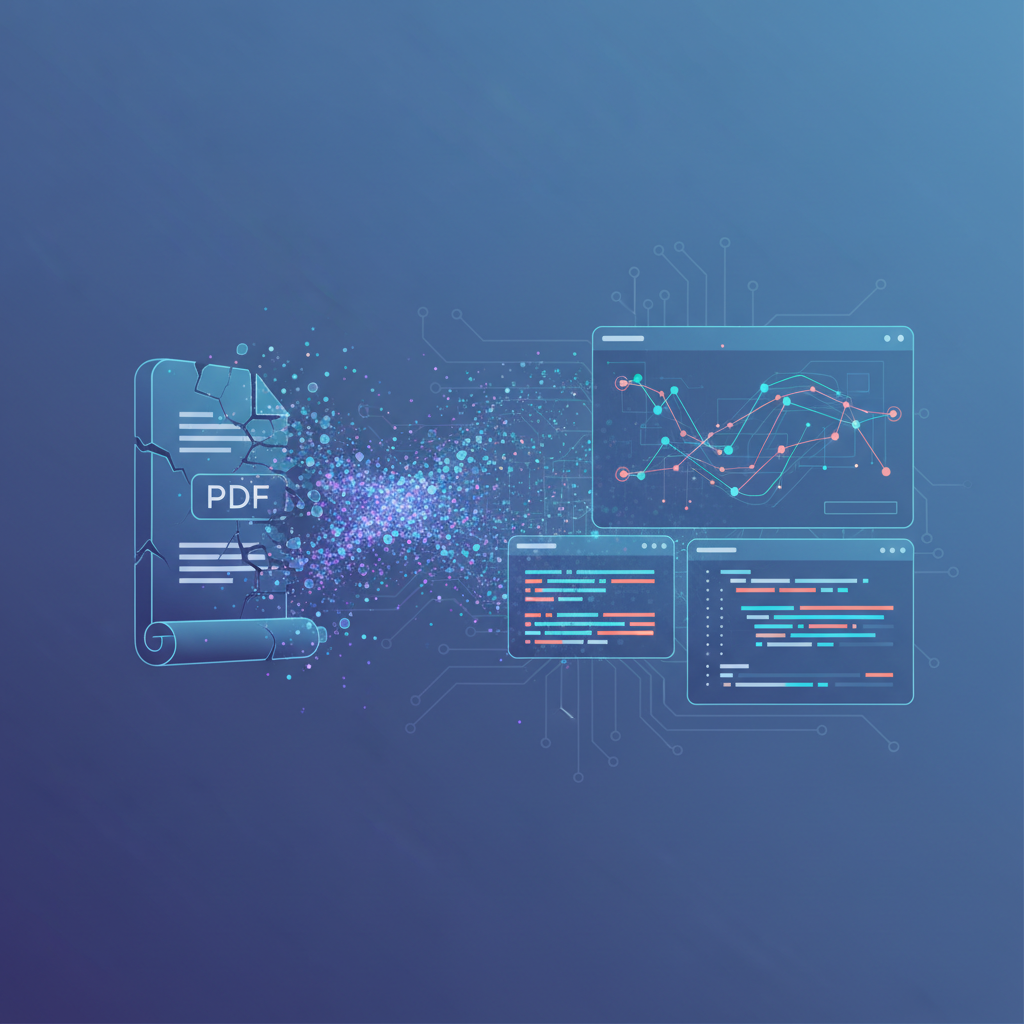
For decades, software documentation often meant static, outdated PDF files. These documents, once created, quickly became obsolete as code evolved, leading to a frustrating cycle of manual updates, version control nightmares, and a general distrust in the accuracy of the documentation. Developers and architects spent countless hours trying to keep up, often to no avail. But what if documentation could evolve alongside the code it describes? What if it was always up-to-date, interactive, and easily maintainable?
This is the promise of living documentation, a paradigm shift powered by tools like Mermaid and Markdown. These technologies are not just replacing PDFs; they're fundamentally changing how we approach and interact with technical documentation, making it an integral, dynamic part of the development process rather than a static afterthought.
The Limitations of Static PDFs
Outdated Quickly: As soon as a PDF is generated, it begins to age. Code changes, features are added, and architecture shifts, rendering the static document inaccurate.
Difficult to Update: Modifying a PDF often requires specialized software, leading to bottlenecks and delays.
Version Control Nightmares: Tracking changes across multiple PDF versions is cumbersome and error-prone. Merging changes is nearly impossible.
Lack of Interactivity: PDFs are flat. They don't allow for dynamic exploration, drill-downs, or direct links to source code.
Poor Collaboration: Sharing and collaborating on PDFs is clunky, often involving email attachments and conflicting versions.
Accessibility Issues: PDFs can be difficult to parse for accessibility tools and may not render consistently across different devices.
Enter Mermaid and Markdown: The Pillars of Living Documentation
Markdown is a lightweight markup language that allows you to format plain text. It's incredibly easy to read and write, and its simplicity makes it ideal for version control systems like Git. When combined with code, Markdown files become a powerful way to embed documentation directly within your repositories.
Mermaid is a JavaScript-based diagramming tool that uses a simple, text-based syntax to generate diagrams and flowcharts. Instead of drawing diagrams manually, you describe them in plain text, and Mermaid renders them into professional-looking visuals. This text-based approach is the key to its power in living documentation.
Why This Combination is Revolutionary:
Version Control Friendly: Both Markdown and Mermaid syntax are plain text. This means they can be stored directly in your Git repositories, allowing you to track changes, review history, and merge contributions just like you would with code.
Always Up-to-Date: By embedding diagrams directly in Markdown files within your codebase, documentation lives alongside the code. Tools can automatically regenerate diagrams when the underlying code or Mermaid syntax changes, ensuring accuracy.
Easy to Create and Maintain: Developers already use text editors. Writing Markdown and Mermaid syntax is far less cumbersome than using graphical diagramming tools or complex document editors.
Interactive and Dynamic: Unlike static images in PDFs, Mermaid diagrams can be rendered interactively in web browsers. With tools like ArchToCode, these diagrams become clickable, allowing you to explore relationships and even jump directly to the relevant source code.
Collaborative by Nature: Since everything is text-based and version-controlled, teams can collaborate on documentation using familiar Git workflows, pull requests, and code reviews.
Automated Generation: The text-as-code approach opens the door to automation. AI-powered tools can analyze your codebase and generate Mermaid diagrams, further reducing manual effort.
ArchToCode: Bridging the Gap from Code to Living Documentation
This is where ArchToCode shines. ArchToCode is an AI-powered code visualization product specifically designed to generate Mermaid diagrams from your source code. It takes the principles of living documentation and supercharges them with artificial intelligence, making the creation and maintenance of dynamic diagrams effortless.
How ArchToCode Empowers Living Documentation:
AI Diagram Generation: ArchToCode analyzes your GitHub repositories or local codebases and, using over 30 built-in prompt templates, generates various Mermaid diagrams. This means you can quickly visualize complex architectures, function call flows, module dependencies, and more, all from your actual code.
16 Diagram Types: From flowcharts and sequence diagrams to class diagrams and ER diagrams, ArchToCode supports a wide array of visualization needs, ensuring you have the right tool for any documentation task.
Interactive Diagrams: The generated Mermaid diagrams are not just pretty pictures. ArchToCode makes them interactive. You can click on nodes to highlight connections, view details, and even drill down to generate sub-diagrams for deeper exploration.
Direct Code Integration: One of the most powerful features is the ability to view the source code associated with any diagram node. This creates a seamless link between your visual documentation and the underlying implementation, making it truly 'living.'
Customization and Control: ArchToCode offers extensive customization options, including 20+ themes and 22+ diagram styles, allowing you to tailor the appearance of your diagrams to match your brand or preference. You can also control the complexity and node limits of generated diagrams, ensuring clarity.
Error Recovery and Diagnosis: Even AI can make mistakes. ArchToCode includes a comprehensive error recovery system with AI-powered diagnostics that helps you fix Mermaid syntax errors and regenerate diagrams with adjusted parameters.
Local Agent Bridge for Privacy: For sensitive code, ArchToCode's Local Agent Bridge allows you to run AI agents on your local machine, ensuring your code never leaves your environment while still benefiting from AI-powered diagram generation.
Imagine a scenario where a new team member joins your project. Instead of sifting through outdated PDFs, they can browse a Markdown file that contains dynamically generated Mermaid diagrams. They can click on a component in the diagram, see its dependencies, and then jump directly to the relevant source code in your repository. This significantly reduces onboarding time and fosters a deeper understanding of the codebase.
The Future is Dynamic, Not Static
The move from static PDFs to dynamic Mermaid and Markdown documentation is more than just a technological upgrade; it's a cultural shift towards more efficient, collaborative, and accurate software development. By embracing tools like ArchToCode, teams can transform their documentation from a burden into a valuable asset that truly reflects the current state of their software.
Don't let your documentation fall behind your code. Embrace living documentation and experience the benefits of always-accurate, interactive, and maintainable insights into your software architecture. To see ArchToCode in action and learn more about its capabilities, check out our YouTube channel for tutorials and demonstrations.
Ready to transform your documentation?
Try ArchToCode today and start building living documentation that truly keeps pace with your development.