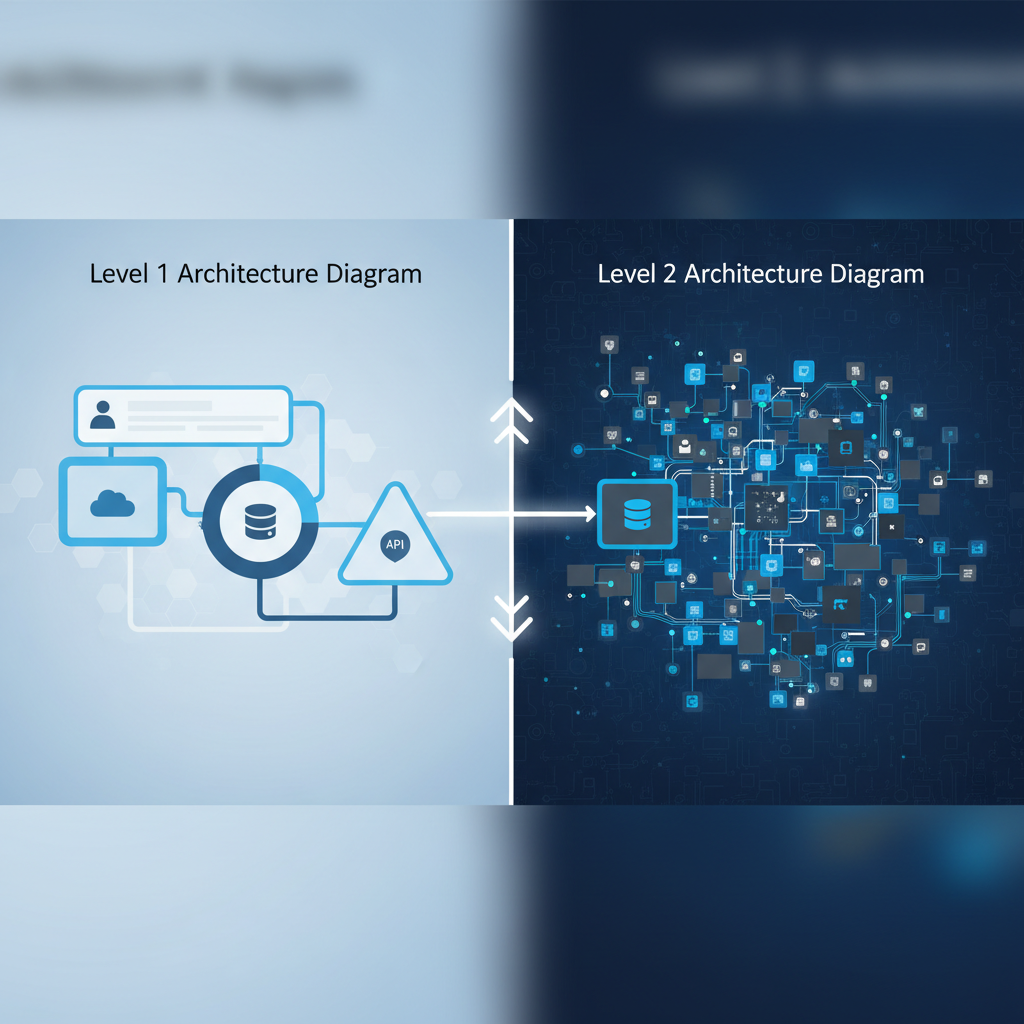
In the complex world of software development, clear communication is paramount. Architecture diagrams serve as a universal language, bridging the gap between technical intricacies and high-level understanding. However, not all diagrams are created equal. Just as you wouldn't use a microscope to view a galaxy, you need the right level of detail for your audience and purpose. This is where the concepts of Level 1 and Level 2 architecture diagrams come into play.
Why Different Levels of Detail Matter
Imagine explaining your entire codebase, line by line, to a new stakeholder. It would be overwhelming and counterproductive. Similarly, a single, monolithic diagram trying to capture every detail of a system will fail to communicate effectively. Different audiences have different needs:
Executives and Stakeholders: Need a high-level overview to understand business impact and strategic alignment.
Product Managers: Focus on user journeys and how features interact.
Developers: Require detailed insights into component interactions, data flows, and implementation specifics.
New Team Members: Need a progressive understanding, starting broad and narrowing down.
By tailoring your diagrams to these varying needs, you ensure that your message is received, understood, and acted upon appropriately. This is a core principle of architecture diagram best practices.
Level 1 Architecture Diagrams: The Big Picture
A Level 1 architecture diagram, often referred to as a Context or System Landscape diagram, provides a high-level overview of your system and its interactions with external entities. Think of it as a map of a city, showing major landmarks and highways, but not every street or building.
Characteristics of Level 1 Diagrams:
Audience: Executives, product managers, non-technical stakeholders, new team members.
Purpose: To establish context, define system boundaries, identify key external integrations, and communicate the overall purpose of the system.
Components: Typically shows the main system as a single block, surrounded by external systems (e.g., payment gateways, external APIs, user devices) and users.
Detail Level: Minimal. Focuses on 'what' the system does and 'who' or 'what' it interacts with, rather than 'how'.
Notation: Simple boxes and lines, often with labels indicating the type of interaction (e.g., 'sends data to', 'receives requests from').
Examples: System Context diagrams, high-level block diagrams, enterprise-level application landscapes.
Benefits of Level 1 Diagrams:
Quick Understanding: Provides an immediate grasp of the system's role within a larger ecosystem.
Boundary Definition: Clearly delineates what is inside and outside the system's scope.
Stakeholder Alignment: Helps ensure everyone is on the same page regarding the system's purpose and external dependencies.
Early Issue Detection: Can highlight missing integrations or misunderstood external touchpoints early in the design process.
With ArchToCode, you can easily generate Level 1 diagrams using templates like "High-Level Project Flow" or "Full Stack Overview." ArchToCode's AI-powered generation can analyze your repository and distill complex interactions into clear, concise visualizations, helping you adhere to architecture diagram best practices from the outset.
Level 2 Architecture Diagrams: Zooming In
Once the big picture is clear, a Level 2 architecture diagram, often called a Container or Component diagram, delves deeper into the internal structure of your system. It breaks down the main system block from the Level 1 diagram into its major constituent parts.
Characteristics of Level 2 Diagrams:
Audience: Development teams, architects, QA engineers, operations teams.
Purpose: To illustrate how the system's major components (e.g., microservices, databases, UI applications, APIs) interact with each other to deliver functionality.
Components: Shows applications, databases, file systems, message queues, and other significant technology containers within the system boundary.
Detail Level: Moderate. Focuses on 'how' the major parts of the system communicate and collaborate.
Notation: More detailed boxes and lines, often indicating technology choices (e.g., 'React App', 'Node.js API', 'PostgreSQL Database') and communication protocols (e.g., 'REST API', 'gRPC', 'JDBC').
Examples: Microservice architecture diagrams, application component diagrams, data flow diagrams between major services.
Benefits of Level 2 Diagrams:
Internal Understanding: Provides a clear view of the system's internal composition and how responsibilities are distributed.
Team Alignment: Helps development teams understand their role and how their code fits into the larger system.
Technology Choices: Documents the major technology decisions made for each container.
Troubleshooting: Aids in identifying potential bottlenecks or points of failure within the system.
ArchToCode excels at generating Level 2 diagrams. By connecting your GitHub repository or local folder, ArchToCode can analyze your codebase and automatically generate detailed diagrams like "Component Interaction" or "Module Dependencies." Its ability to view source code associated with diagram nodes and generate child diagrams allows for deep dives into specific components, making it an invaluable tool for understanding complex systems.
Bridging the Gap: From Level 1 to Level 2 and Beyond
The beauty of these layered diagrams lies in their ability to provide a progressive understanding. A Level 1 diagram sets the stage, and a Level 2 diagram then zooms into a specific part of that stage. You can continue this process, creating Level 3 (Class or Sequence diagrams) for even finer-grained detail, such as individual functions or data structures.
ArchToCode's "Drill Down" feature perfectly supports this iterative process. You can start with a high-level diagram, click on a specific node representing a major system or component, and then generate a more detailed sub-diagram focused solely on that element. This allows you to navigate your architecture seamlessly, providing the right level of detail at the right time.
Consider these architecture diagram best practices when creating your diagrams:
Know Your Audience: Always start by asking who will be looking at this diagram and what information they need.
Consistency: Use consistent notation, colors, and shapes across all your diagrams to avoid confusion.
Keep it Simple: Avoid clutter. If a diagram becomes too busy, it might be a sign that you need to break it down into a lower-level diagram.
Version Control: Treat your diagrams as code. Store them in version control alongside your codebase.
Automate Where Possible: Tools like ArchToCode can significantly reduce the manual effort of creating and maintaining diagrams, ensuring they stay up-to-date with your evolving codebase.
ArchToCode: Your Partner in Diagramming Excellence
ArchToCode is designed to streamline your architecture visualization workflow. With its AI-powered generation, you can:
Generate Diagrams from Code: Connect your GitHub or local repositories and let ArchToCode analyze your source code to create accurate diagrams.
Choose from 16 Diagram Types: From flowcharts and sequence diagrams to class and ER diagrams, ArchToCode supports a wide range of visualization needs.
Customize and Refine: Adjust complexity levels, node limits, and apply custom instructions to tailor diagrams to your specific requirements.
Explore and Understand: Use interactive features like node selection, connection highlighting, and the Source Code Explorer to delve deep into your codebase.
Ensure Accuracy: ArchToCode's error recovery and diagnosis system helps you fix Mermaid syntax issues and generate reliable diagrams.
By leveraging ArchToCode, you can effortlessly implement architecture diagram best practices, ensuring your documentation is always clear, consistent, and reflective of your actual codebase.
Want to see ArchToCode in action? Check out our YouTube channel for tutorials and demonstrations on how to visualize your code with ease.
Ready to transform your code into insightful visuals? Try ArchToCode today and experience the future of software architecture visualization!
