Have you ever stared at a sprawling API Gateway configuration file, feeling a cold dread creep in as you try to trace a single request's journey? The labyrinthine paths, the nested rules, the subtle differences between environments – it's enough to make even the most seasoned developer sigh in exasperation. I remember a time when our team was debugging a critical latency issue, and the culprit turned out to be a misconfigured routing rule buried deep within an XML file. Hours were lost, tempers flared, and the solution, once found, felt painfully obvious in hindsight. If only we had a clear, visual map of our gateway at the time.
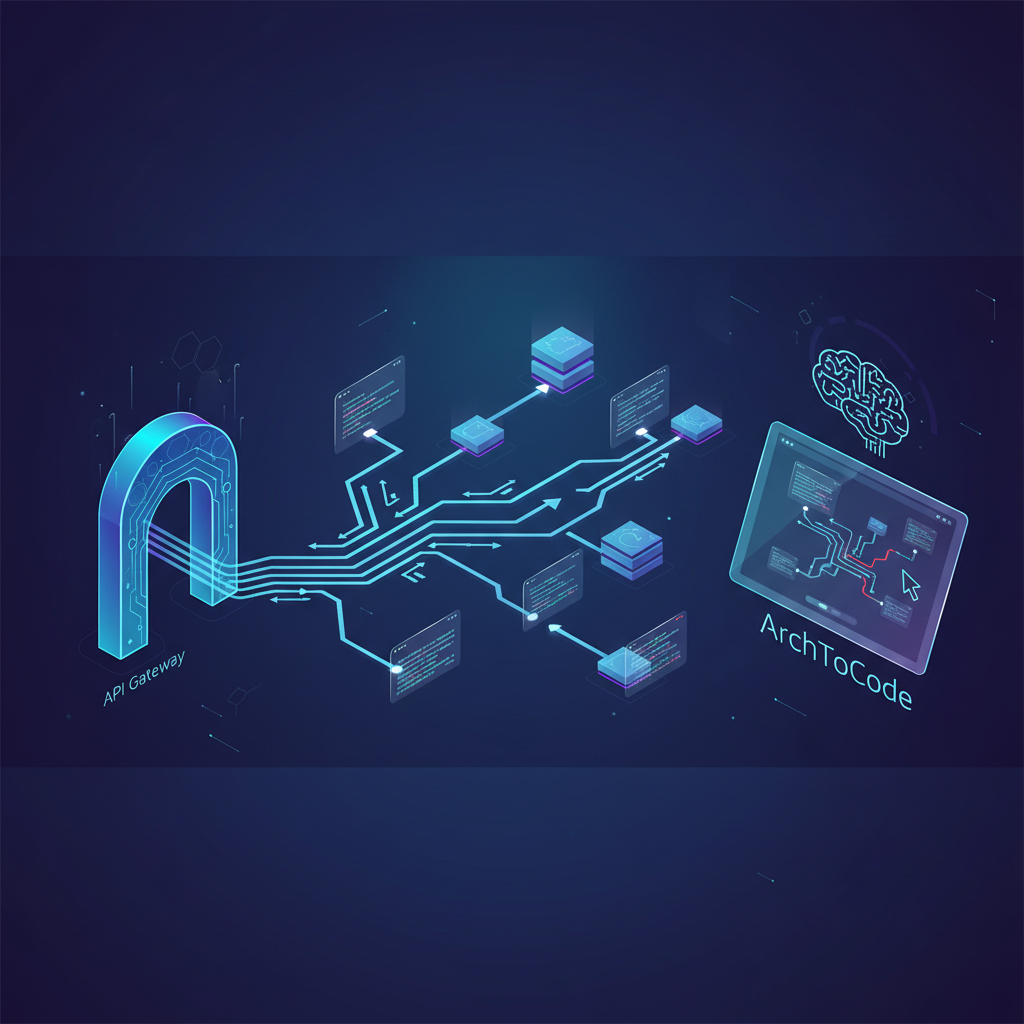
This is where the power of visualization truly shines. Imagine transforming those dense, text-based configurations into an intuitive, interactive diagram. A diagram where you can instantly see every routing path, every integration, and every potential bottleneck. This isn't a pipe dream; it's a reality with tools like ArchToCode, an AI-powered code visualization product designed to bring clarity to your complex systems.
The Challenge of API Gateway Configuration
API Gateways are the unsung heroes of modern microservice architectures. They handle authentication, authorization, rate limiting, and, crucially, routing. But their configuration, whether it's YAML, JSON, or even XML, can quickly become a beast to tame. Consider a typical scenario:
Multiple Microservices: Your gateway routes requests to dozens, if not hundreds, of backend services.
Complex Path Matching: Rules based on URL paths, HTTP methods, headers, and query parameters.
Version Control: Different API versions, often managed through separate routing groups.
Environment-Specific Overrides: Staging, production, development – each with subtle variations.
Integration with Other Services: Lambda functions, load balancers, external APIs.
Manually auditing these configurations for errors, understanding dependencies, or onboarding new team members becomes a monumental task. A single misplaced character can lead to outages, security vulnerabilities, or performance degradation. The emotional toll of debugging such issues, especially under pressure, is immense.
ArchToCode: Your Gateway to Clarity
ArchToCode steps in to solve this exact problem by leveraging AI to generate interactive diagrams directly from your code and configuration files. It's like having an expert architect instantly draw a blueprint of your API Gateway, highlighting every connection and flow.
How ArchToCode Transforms Your Gateway Configuration
Let's walk through how ArchToCode can turn your API Gateway configuration nightmare into a visual dream:
Connect Your Repository: Whether your configuration lives in a GitHub repository or a local folder, ArchToCode seamlessly connects. You can choose specific files or let the AI intelligently select relevant ones. This is crucial for focusing on just your API Gateway configuration files, excluding irrelevant code that might clutter the diagram.
Select a Prompt Template: ArchToCode offers over 30 built-in prompt templates, including those tailored for architecture and flow diagrams. For API Gateway routing, you might choose a "High-Level Project Flow" or "Backend API Architecture" template, or even create a custom prompt to specifically ask for routing paths and integrations.
AI Generates the Diagram: The AI analyzes your configuration files and generates a Mermaid diagram. This isn't just a static image; it's an interactive representation of your gateway's routing logic. Imagine a flowchart showing how a request for
/api/v1/usersis routed to yourUserService, passing through an authentication layer and a rate limiter.Interact and Explore: Once the diagram is generated, you can zoom, pan, and click on individual nodes (representing routes, services, or functions) to see their details. ArchToCode's flicker-free interaction ensures a smooth experience, even with complex diagrams. Click on a route, and all its connected services and policies light up, making it incredibly easy to trace the flow.
Drill Down for Detail: If a particular route or service is complex, you can "Drill Down" to generate a sub-diagram focused solely on that component. This allows you to progressively explore your architecture from a high-level overview down to granular details without getting overwhelmed.
Understand with AI Explanation: ArchToCode offers an AI-powered diagram explanation feature. It analyzes your generated diagram and provides a comprehensive, 50+ sentence technical explanation covering the overall purpose, key components, data flow, control flow, and relationships within your API Gateway. This is invaluable for onboarding new team members or quickly grasping an unfamiliar configuration.
Customize and Share: Adjust diagram styles, themes, and display options to suit your preferences. Hide containers, show/hide labels, or compact the view for a cleaner look. Once satisfied, you can export the diagram as an image or Mermaid code for documentation or sharing.
Benefits for Your Team
Accelerated Onboarding: New developers can quickly grasp the API Gateway's routing logic, reducing their ramp-up time from weeks to days.
Faster Debugging: Visually identify misconfigurations, missing routes, or incorrect integrations in minutes, not hours.
Improved Collaboration: Share clear, interactive diagrams with stakeholders, product managers, and other teams, fostering a shared understanding of your system's architecture.
Enhanced Documentation: Automatically generate up-to-date architectural diagrams directly from your configuration, ensuring your documentation always reflects reality.
Proactive Problem Solving: Spot potential bottlenecks or unintended routing loops before they cause issues in production.
Reduced Cognitive Load: Free up mental energy from parsing text files to focus on designing and implementing new features.
A Real-World Example: Tracing a User Authentication Flow
Imagine your API Gateway configuration defines a complex authentication flow:
A request to
/auth/loginis received.It's routed to an
AuthService.The
AuthServicevalidates credentials.If successful, it generates a JWT token.
The token is then used for subsequent requests to protected endpoints like
/api/profile.Before reaching the
UserService, the token is validated by aJWTValidatorlambda function.
In a text-based configuration, this flow might involve several nested rules, conditional statements, and references to external services. With ArchToCode, you would see a clear sequence:
User --> API Gateway --> /auth/login --> AuthService --> JWT Token Generation --> API Gateway --> /api/profile --> JWTValidator (Lambda) --> UserService
Clicking on "JWTValidator (Lambda)" could then show a sub-diagram of its internal logic, or you could "Explore Source Code" to jump directly to the Lambda's implementation. This level of transparency is transformative for understanding, maintaining, and evolving your API Gateway.
Beyond API Gateways: The ArchToCode Ecosystem
While visualizing API Gateways is a powerful use case, ArchToCode's capabilities extend far beyond. It supports 16 different diagram types, from class diagrams to state machines, and can analyze code from various languages. It integrates with your preferred AI providers, or you can use the ArchToCode Local Agent Bridge for private code analysis, ensuring your sensitive code never leaves your machine.
The platform is designed with developer experience in mind, offering features like comprehensive error recovery, smart caching, and a highly customizable interface. You can even create your own custom prompt templates to tailor the AI's output to your specific needs.
Conclusion
The days of squinting at endless configuration files and manually drawing diagrams are over. With ArchToCode, you can bring clarity and understanding to even the most complex API Gateway routing paths. By transforming configuration into interactive, AI-generated diagrams, you empower your team to build, debug, and maintain your systems with unprecedented efficiency and confidence.
Don't let your API Gateway remain a mystery. Try ArchToCode today and start visualizing your gateway to a clearer, more productive development workflow. Check out our YouTube channel for tutorials and demonstrations of ArchToCode in action!