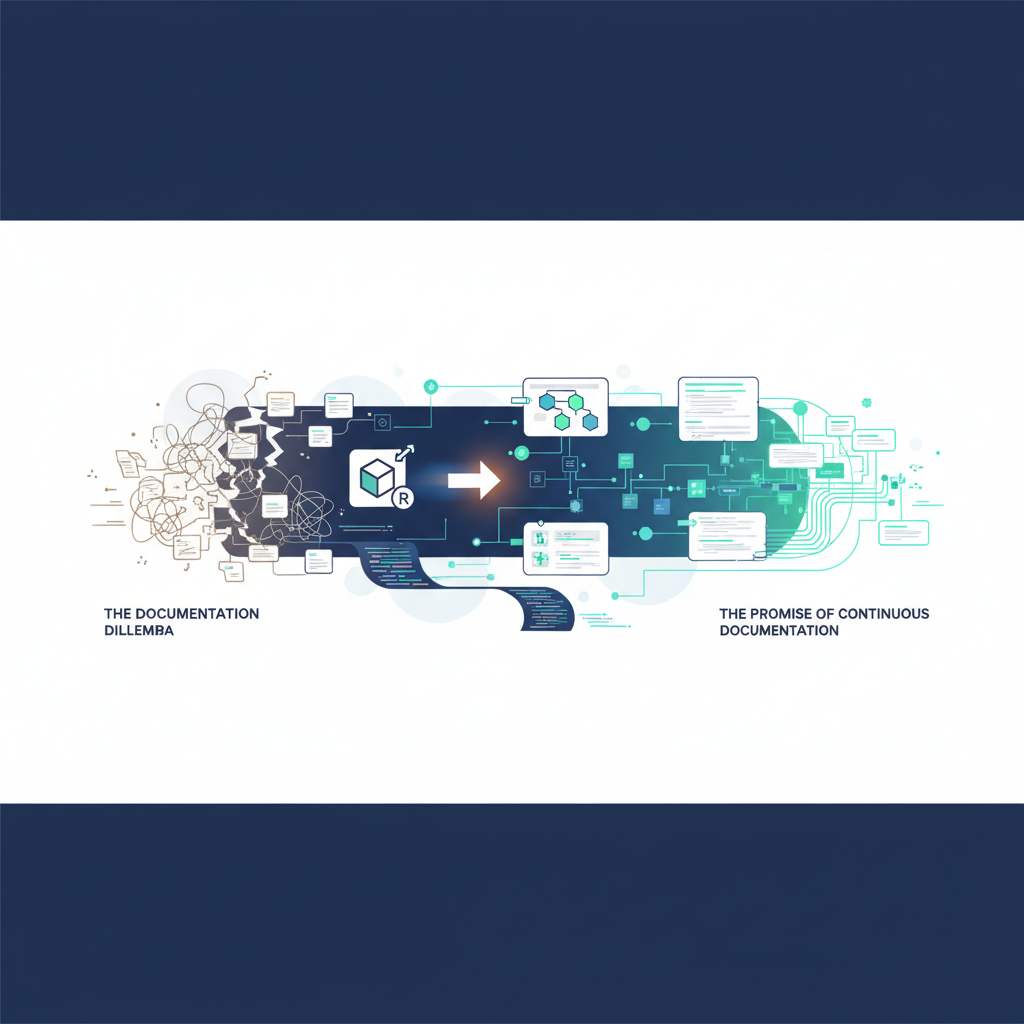
The Documentation Dilemma: A Developer's Tale
As developers, we've all been there. The sprint is over, the code is deployed, and then comes the inevitable request: "Can you update the architecture diagrams?" A collective groan echoes through the team. Manual documentation is a necessary evil, often outdated before it's even published. It's a time sink, a source of frustration, and a major bottleneck in understanding complex systems.
I remember a project where we inherited a sprawling microservices architecture. The original team had moved on, and the documentation was a relic from a bygone era. Every new feature, every bug fix, felt like navigating a labyrinth blindfolded. We spent weeks just trying to map out the system, drawing diagrams by hand, only to find that a critical service had been refactored months ago, rendering our efforts obsolete. The cost in time, missed deadlines, and sheer developer angst was astronomical.
This isn't just a story; it's the reality for countless development teams. The rapid pace of modern software development makes traditional documentation practices unsustainable. Code changes constantly, but documentation rarely keeps up. This gap leads to:
Increased Onboarding Time: New team members struggle to grasp the system.
Knowledge Silos: Only a few individuals truly understand the architecture.
Higher Risk of Bugs: Changes are made without full understanding of their impact.
Stifled Innovation: Fear of breaking existing systems slows down development.
What if there was a way to bridge this gap? What if your documentation could evolve alongside your code, automatically updating with every change? This is where continuous documentation, powered by tools like ArchToCode, becomes a game-changer.
The Promise of Continuous Documentation
Continuous documentation isn't just a buzzword; it's a paradigm shift. It advocates for integrating documentation into the development workflow, making it an inherent part of the software lifecycle rather than an afterthought. The ultimate goal is to have documentation that is always accurate, always up-to-date, and always accessible.
Imagine a world where every Git push doesn't just update your codebase, but also automatically regenerates your architecture diagrams. No more manual drawing, no more outdated visuals, just a living, breathing representation of your system's current state. This isn't a futuristic fantasy; it's a present-day reality with ArchToCode.
ArchToCode: Your AI-Powered Documentation Co-Pilot
ArchToCode is an AI-powered web application designed to eliminate the pain points of manual documentation. It connects directly to your GitHub repositories or local folders, analyzes your source code, and generates interactive Mermaid diagrams that visualize your code's structure, relationships, and flows. But its true power lies in its ability to facilitate continuous documentation.
How ArchToCode Automates Diagram Generation on Git Push
While ArchToCode doesn't directly integrate with Git hooks (yet!), its design enables a powerful continuous documentation workflow that can be easily triggered by a Git push:
Connect Your Repository: Link your GitHub repository or local folder to ArchToCode. This is a one-time setup where you select the files you want the AI to analyze.
Define Your Prompts: ArchToCode comes with 30+ built-in prompt templates for various diagram types (Flowchart, Sequence, Class, State, ER, etc.). You can also create custom prompts tailored to your specific documentation needs. For instance, a prompt like "Generate a high-level project flow diagram for the authentication module" can be saved and reused.
Trigger Generation (Post-Push): After a Git push, a simple API call or a quick click within the ArchToCode UI can re-run your predefined prompts against the updated codebase. Because ArchToCode's caching system intelligently detects file changes, it knows exactly when a diagram needs to be regenerated.
Diagrams Update Automatically: ArchToCode's AI processes the updated code and generates fresh Mermaid diagrams. These diagrams are then saved, either to ArchToCode's internal database (Tier 3 cache) or exported to your documentation platform.
Version Control for Diagrams: By integrating this process into your CI/CD pipeline, you can even commit the generated Mermaid code or image exports back into your repository, effectively version-controlling your diagrams alongside your code.
Benefits of Auto-Generating Diagrams with ArchToCode
The impact of this automation is profound:
Always Up-to-Date Documentation: Your diagrams reflect the current state of your codebase, eliminating the problem of outdated documentation.
Reduced Manual Effort: Developers are freed from the tedious task of manually updating diagrams, allowing them to focus on coding.
Improved Code Understanding: Visual representations make complex systems easier to grasp, accelerating onboarding and knowledge transfer.
Enhanced Collaboration: Teams can discuss architecture using a shared, accurate visual language.
Faster Debugging and Refactoring: Quickly identify dependencies and understand the impact of changes before implementation.
Consistency: AI-generated diagrams adhere to consistent styling and standards, unlike manually drawn ones.
Beyond Automation: ArchToCode's Powerful Features
ArchToCode offers a rich suite of features that complement its automation capabilities, making it an indispensable tool for any development team:
Interactive and Explorable Diagrams
ArchToCode doesn't just generate static images. Its diagrams are interactive:
Node Selection & Highlighting: Click on any node to see its details and highlight all connected lines and nodes, making it easy to trace relationships.
Drill-Down Capability: Generate detailed sub-diagrams for specific nodes, allowing you to explore your architecture at various levels of granularity.
Source Code Explorer: Select a node and instantly view the associated source code, complete with syntax highlighting and relationship analysis (imports, references, mentions).
Robust Error Recovery and Control
AI generation isn't always perfect, but ArchToCode handles errors gracefully:
AI-Powered Diagnostics: When a Mermaid syntax error occurs, ArchToCode provides an intelligent error panel with AI-powered suggestions for fixes.
Adjustable Parameters: Control diagram complexity (Simple, Medium, Complex) and node limits (5-50) to fine-tune generation and improve reliability.
Client-Side Fixes: Automatic attempts to fix common syntax issues before even showing an error.
Customization and Flexibility
Tailor ArchToCode to your team's preferences:
Multiple AI Providers: Use Lovable AI, OpenAI, Anthropic, Google, OpenRouter, and more. You can even connect to local AI agents like Claude Code or Ollama for private code analysis, ensuring your sensitive code never leaves your machine.
Extensive Theming & Styling: Choose from 20+ application themes and 22+ Mermaid diagram styles, or customize every aspect of your diagram's appearance.
Prompt Management: Create, edit, import, and export custom prompt templates to standardize your documentation.
The Future of Documentation is Here
The days of dreading documentation updates are over. With ArchToCode, you can embed diagram generation directly into your development workflow, ensuring your architectural documentation is always a true reflection of your codebase. This not only saves countless hours but also fosters a deeper understanding of your systems, leading to better code, faster development, and happier developers.
Ready to transform your documentation process? Explore ArchToCode today and experience the power of AI-driven continuous documentation. Head over to our YouTube channel to see ArchToCode in action and learn more about how it can benefit your team.
Try ArchToCode now and bring your code to life!